



Description
As a professional in India, you need to stay organized and focused on your tasks, regardless of your location or the device you’re using. OfficeSuite 365 Pro Plus MS Edition is designed to provide you with a comprehensive suite of tools that can be accessed from anywhere, at any time. With this solution, you can enjoy the benefits of cloud storage, collaboration, and compatibility across all your devices.
Here are some key features that make OfficeSuite 365 Pro Plus MS Edition a great choice for you:
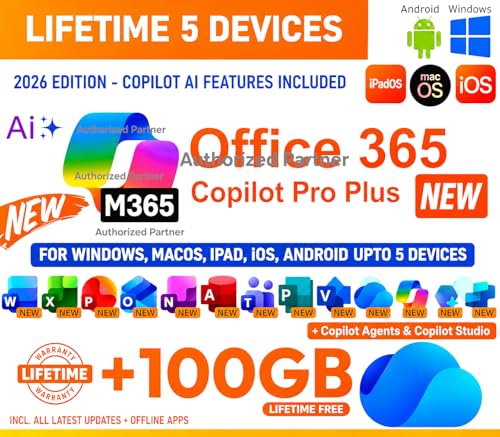
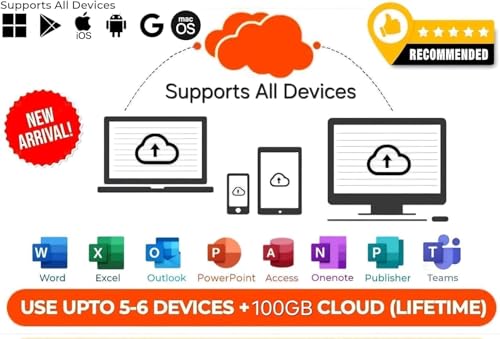
* Enjoy lifetime cloud storage of 100 GB, which is perfect for storing all your important files and documents.
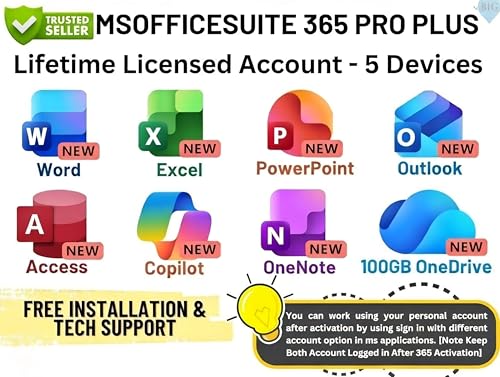
* Access your Microsoft Office applications, including Word, Excel, PowerPoint, Outlook, Publisher, OneNote, and Access, on all your devices, including Windows, macOS, iOS, iPadOS, and Android.
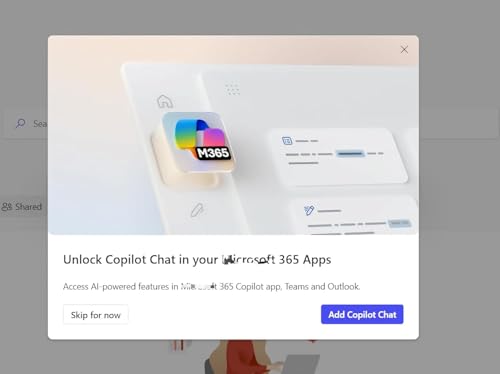
* Take advantage of the new Copilot AI feature, which offers intelligent suggestions and automatic formatting to make your work easier and more efficient.
* Collaborate with your team members in real-time, regardless of their location in India, and ensure that everyone is on the same page.
* With unlimited reinstallations, you can use this product on up to 5 devices, making it a great value for money.
When buying OfficeSuite 365 Pro Plus MS Edition, remember that you’ll need to create a new Microsoft account, as it won’t work with your existing Microsoft ID. Make sure to pair it with a reliable internet connection to ensure seamless access to your cloud storage and applications.


